

Computing
At our school, we want every child to become a confident, creative, and responsible user of technology. From exploring direction and sequencing through play in the Early Years, to creating programs in Scratch and building real-world projects using micro:bits and Crumble controllers in Key Stage 2, children develop the skills to understand and shape the digital world around them. They learn how technology works, how it can be used safely and responsibly, and how it links to real-life problem-solving. Online safety is at the heart of everything we do — woven through our Computing and PSHE lessons and revisited regularly through our Acceptable Use Policy and annual Safer Internet Day events. Together with our families, we help children learn to make good choices online and use technology positively, safely, and thoughtfully.
Computing in EYFS
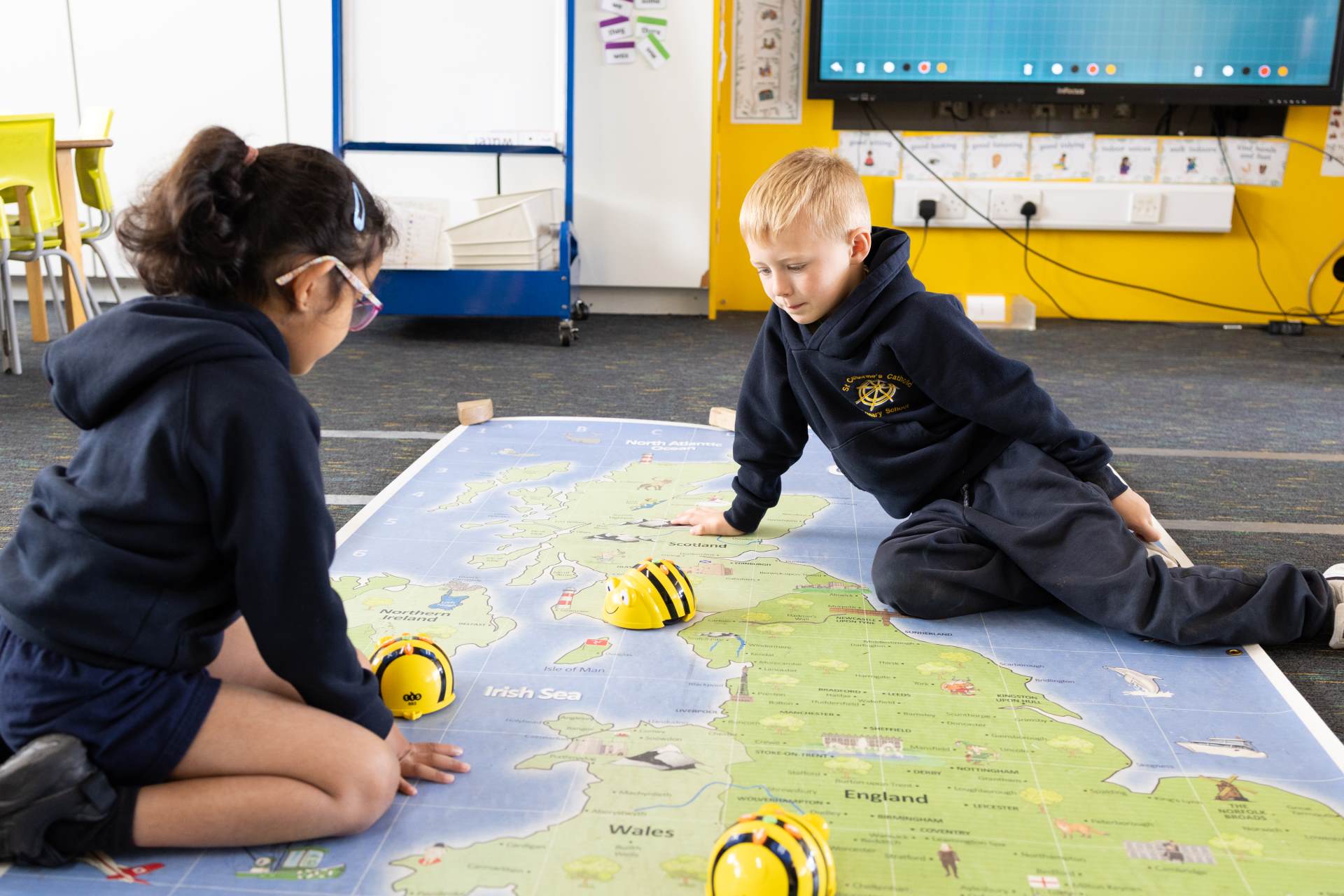
In the Early Years, computing is embedded throughout the continuous provision and experienced through play, exploration, and everyday use of technology rather than discrete lessons. Children begin to develop the early skills and understanding that will later support their computing and programming learning in Key Stage 1. Through a range of hands-on activities, they learn about direction, order, and sequencing when giving and following simple instructions — for example, describing where objects are or explaining what comes next in a sequence. These early experiences build their awareness of logical thinking and problem-solving, forming the foundation for later coding and computational thinking skills.
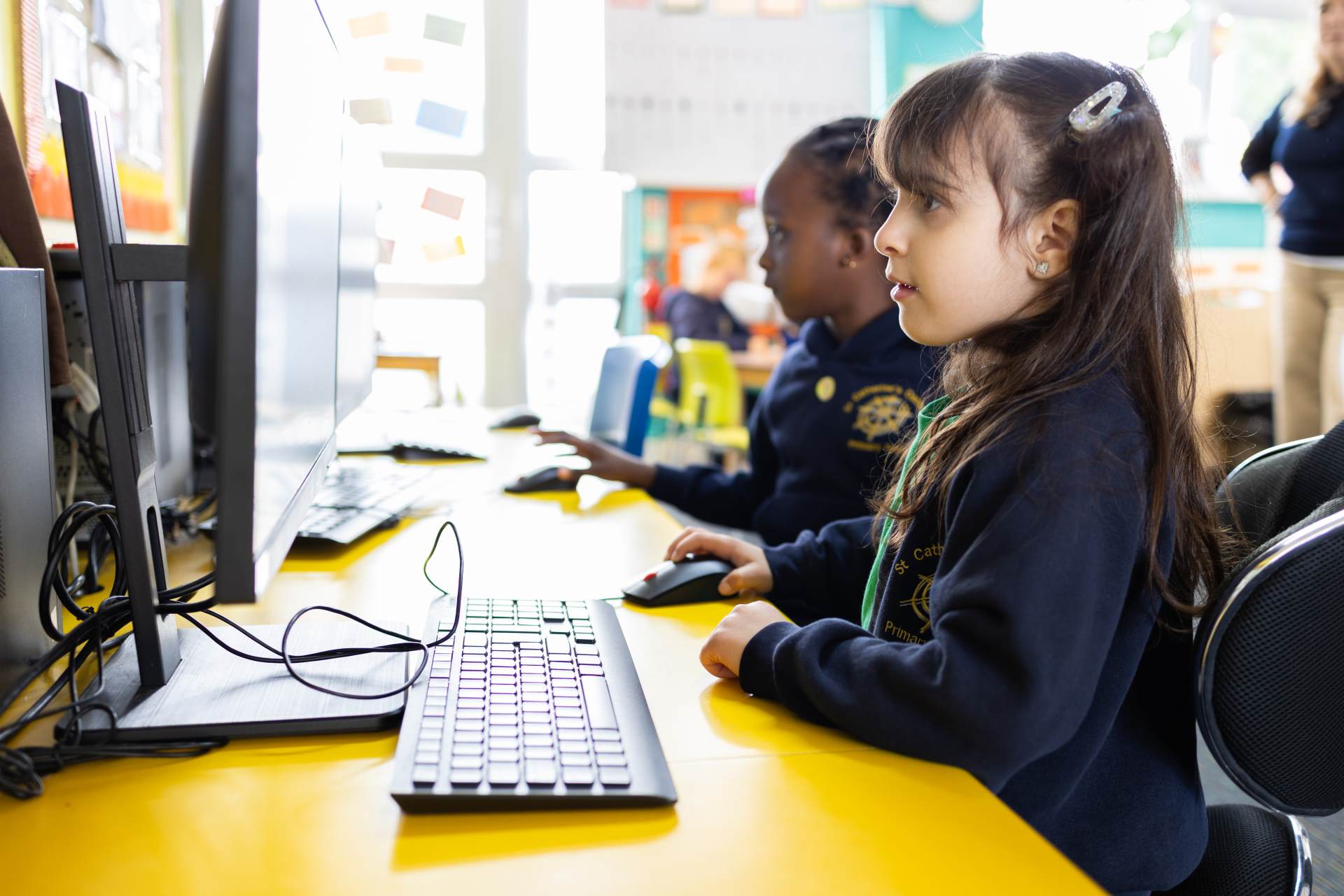
Children also become familiar with technology in their environment, exploring how different devices are used for specific purposes. They use interactive whiteboards, tablets, and computers to play games, draw, watch videos, and record sounds, developing both curiosity and confidence when using digital tools. As they progress through Reception, children begin to use more precise vocabulary to describe how technology works and what it can do, as well as learning the importance of using technology carefully and respectfully. These early encounters encourage children to see themselves as capable, creative users of technology and prepare them for more structured computing experiences in Key Stage 1.
Children Key Stage 1 have access to a variety of different digital devices and software including tablets, robots and computers. Class teachers work creatively to weave use of digital technology throughout their lessons to support the wider curriculum. Where this is possible, programming (including creating, debugging and predicting programs) is taught through applications such as Scratch Junior in learning projects linked to other subjects. For example, children may use coding for animation to support their sequencing of narratives in Literacy. At the earliest stages, children engage most effectively with computer science – logic, abstraction, algorithms – when learning is supported by practical activities and role play. Our unplugged lessons, or teaching using robots, allow the children to explore this effectively in discrete sessions.
Children in key stage 1 are also taught how to use search engines to find information and are exposed to a range of software and hardware that they can use to express their creativity and to support them in completing tasks. For example, using hardware to take photographs and combining these with texts to create a story sequence or collecting data and recording it on spreadsheets. Doing so, they continue to make links to other subjects such as using online maps for geography.
Computing in Key Stage 1
In Key Stage 1, children begin to explore the world of technology with curiosity and creativity. They learn what algorithms are and how they can be implemented as programs, developing an understanding of logical reasoning and sequencing through hands-on experiences. Children start to recognise that technology is part of their everyday lives and learn how to use it safely and respectfully. By the end of KS1, children are able to create simple digital content, use technology purposefully for different tasks, and understand the importance of keeping their personal information private when using online tools.
In Year 1, children are introduced to a wide range of hardware and software through their continuous provision, including Bee-Bots and computers. They learn about algorithms by programming Bee-Bots to move and turn, understanding that instructions must be precise to achieve an intended outcome. Children explore Paint to create digital art and begin to understand how to search safely online. Later in the year, they are introduced to Scratch Junior, applying their programming knowledge from the Bee-Bots to create simple, interactive stories and animations. In Year 2, children build on these foundations by creating and debugging more complex programs in Bee-Bots and Scratch Junior, using loops and events to make their programs more efficient. They begin to use word processing and simple spreadsheet software to organise and present information, and develop greater independence in using tools for different tasks. Children also learn how people communicate online and discuss how to stay safe and kind in digital spaces.
Computing in Key Stage 2
In Key Stage 2, children build on their early computing skills to become confident, creative, and responsible users of technology. They learn to design, write and debug programs that accomplish specific goals, developing their logical thinking, problem-solving and perseverance along the way. Through the use of block-based and physical computing tools, children deepen their understanding of how digital systems work and how they can be programmed and controlled. A strong focus on progression in programming ensures that children move from simple sequences and loops in lower KS2 to more complex, purposeful projects in upper KS2.
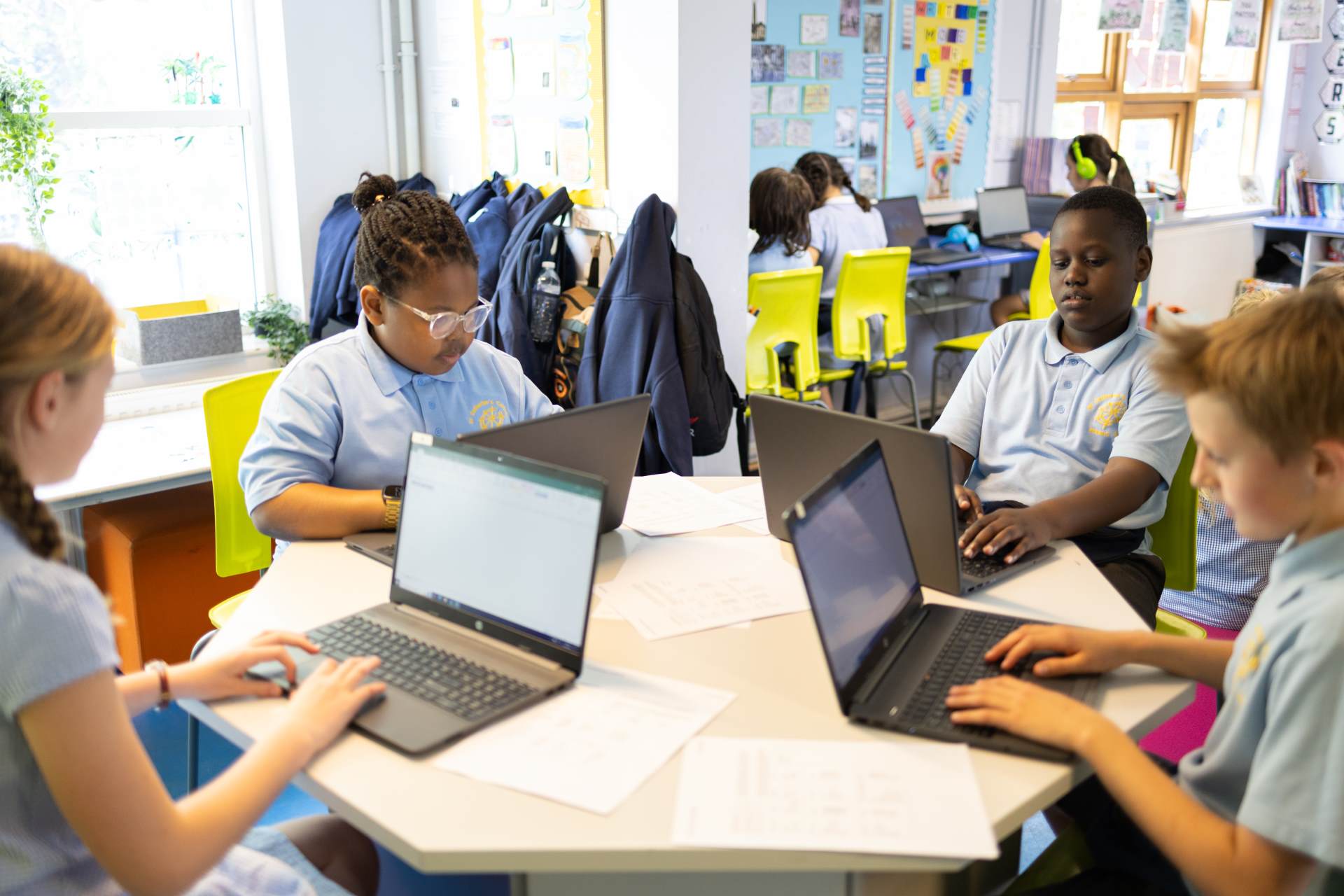
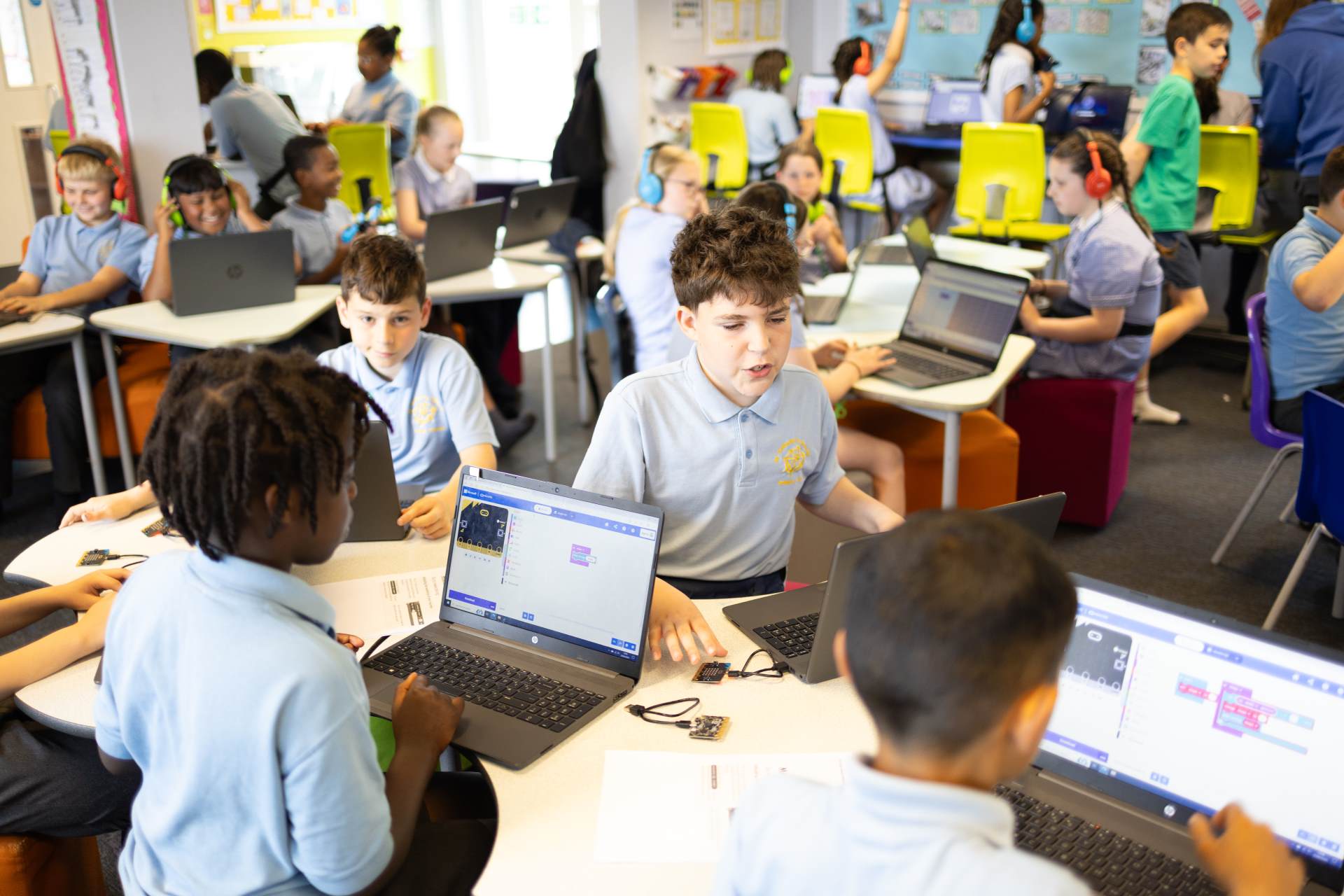
In Year 3, children move from Scratch Junior to Scratch, learning to design and debug their own programs while being introduced to a range of new software that they will continue to develop their skills in throughout KS2. In Year 4, children become hardware investigators, exploring how computer components work together, and use data loggers to collect and analyse information. They also begin to apply their data handling skills through the use of spreadsheets. In Year 5, children continue to develop their programming knowledge by designing and constructing vehicles that they can control using the Crumble controller, linking coding to real-world applications. Finally, in Year 6, children apply their advanced programming skills using micro:bits to create interactive devices such as games and step counters. Throughout KS2, Scratch is used to strengthen programming concepts, Digimaps supports geography through digital mapping, and projects such as creating a digital ‘Anglo-Saxon Museum’ in PowerPoint link computing to wider curriculum topics. All children use Microsoft Teams to save, share and collaborate on work, developing responsible and effective digital habits.
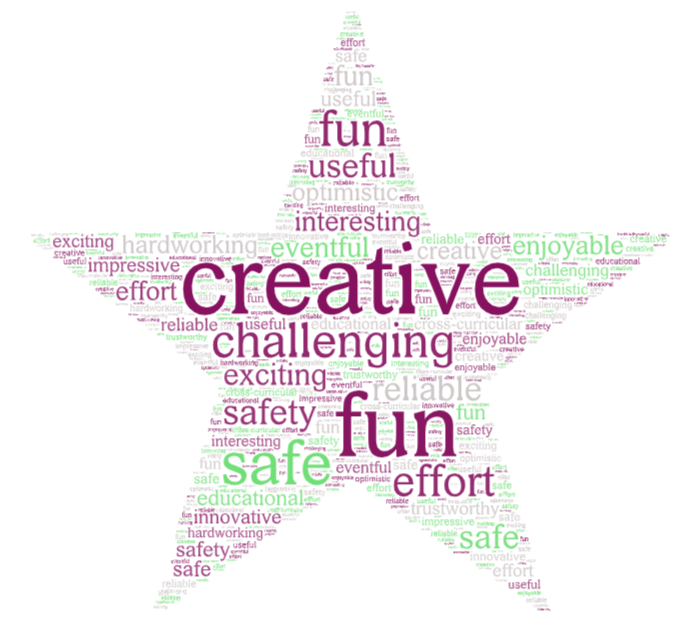
November 2025: Child responses on how they would describe computing at St Catherine’s.
Computing